Starting Vsystem Applications
Vsystem applications are designed to operate the same across multiple platforms. All Vsystem applications, include the graphical program can be run from the command line with qualifiers and parameters. Windows and OpenVMS both use / for qualifiers, whereas - is commonly used on Linux.
db_show /process db1
db_show -process db1
Qualifiers that have values require the use of an equal sign '='. There should not be a space between the = and value.
vinfo -chan=1 db1
Qualifiers can have a list which is enclosed in ()
vmodbus -database=(db1,db2)
An asterisk is used for wildcard, for example with channel names. On Linux these must be enclosed in quotes.
db_access db1::*
db_access "db1::*"
Parameters can be a list separated by a comma. Spaces may also be added between the parameters.
db_view ds1,ds2
db_view ds1, ds2
If an applications takes more than 1 parameter, these are separated by spaces
vfind_channel db1 6
Most qualifiers can be abbreviated. But must be enough characters to be unique.
vscan -fast_rate=5 db1
vscan -fast=5 db1
vscan -f=5 db1
For example, vscan includes both noslow and noinit qualifiers.
vscan -nos db1
String with spaces like specifying a time string need double quotes "" or single quotes ''.
vtrend -start="31-may-2025 12:00"
String within a string
vlog -sql "select cname from data@tutor.varc where time > '03-May-2001 10:52:00.00'"
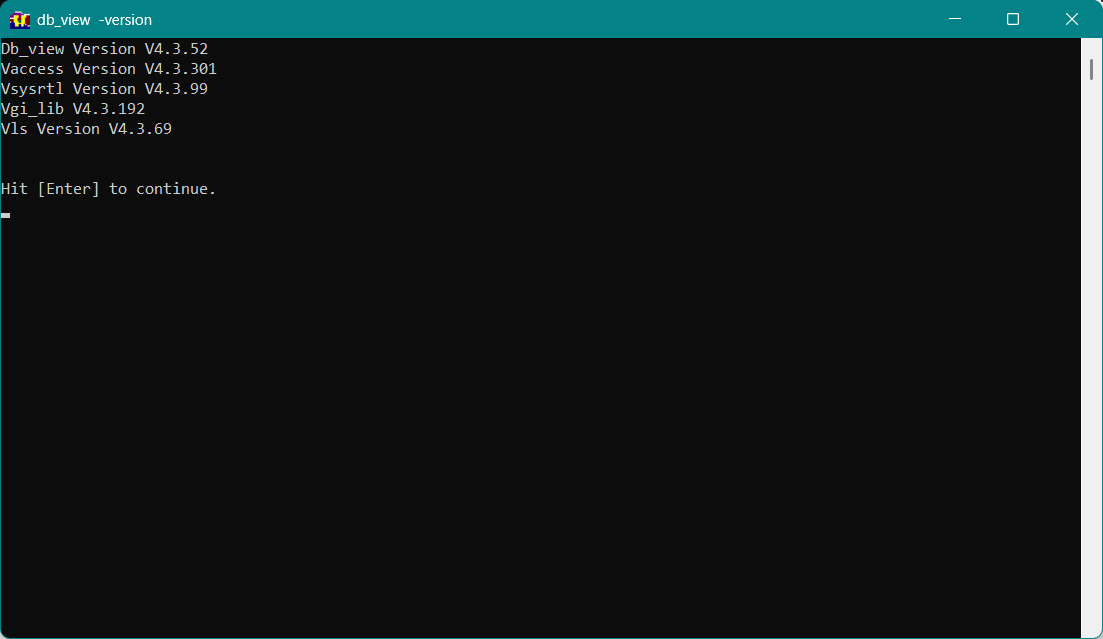
All Vsystem applications have help and version qualifiers. The help qualifier lists the available qualifier and parameters for the program. The version qualifier lists the versions of the libraries that are used by the program.
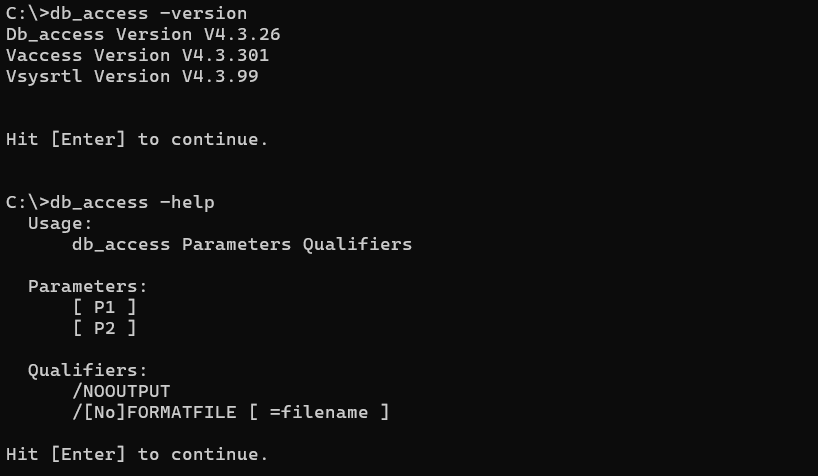
WIN If you use these qualifiers on a graphical program like db_view or vdraw, you will get an additional window. You will need to hit the Enter key to close the window. Even for the command line programs, you will need to hit Enter.
You can get a list of versions for all of the Vsystem programs using vinfo with the allversions qualifier
vinfo -allversions